
All apps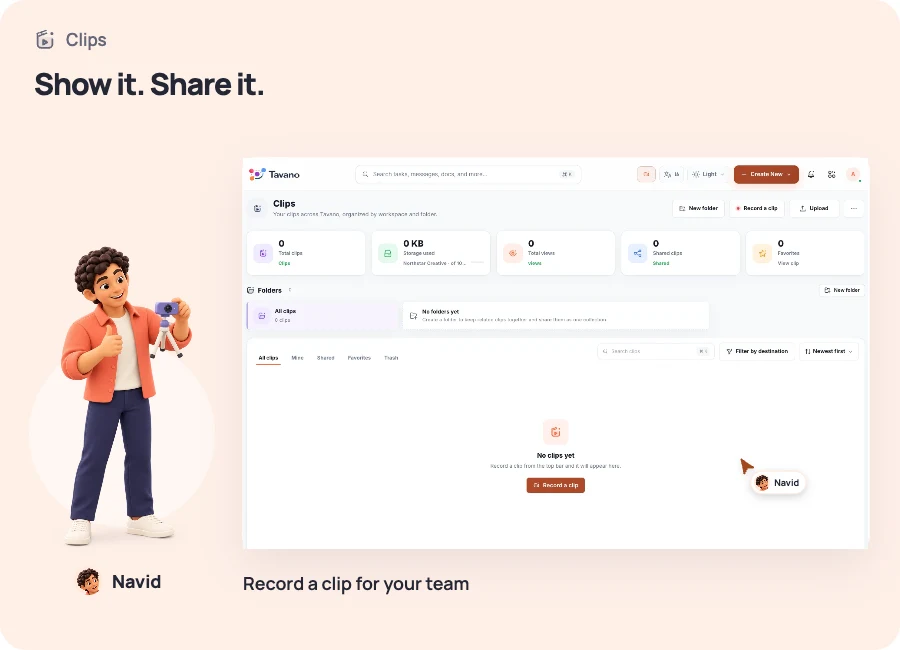
Clips
Show it once. Share it with everyone.
Record walkthroughs and attach async context to tasks and channels.

WHAT YOU CAN DO
Record a walkthrough when showing the work is easier than explaining it.
Share the recording with a task or channel.
Keep recordings in a library so teammates can review them in their own time.
The same people. The same workspace. A shared way forward.
A CLOSER LOOK
Show the idea in your own time
Record a walkthrough when showing the work is easier than explaining it.
YOUR FIRST STEPS
Start with something real.
- Choose the screen or idea you want to walk through.
- Record the walkthrough and review it in your library.
- Share the recording with the relevant task or channel.
BETTER IN THE SAME WORKSPACE
The work continues here.
Keep the next step in the same workspace, with the same team.
YOUR NEXT CHAPTER
Great work starts with a team in sync.
See the workspace in action, find the right plan, and take your next step together.