
All apps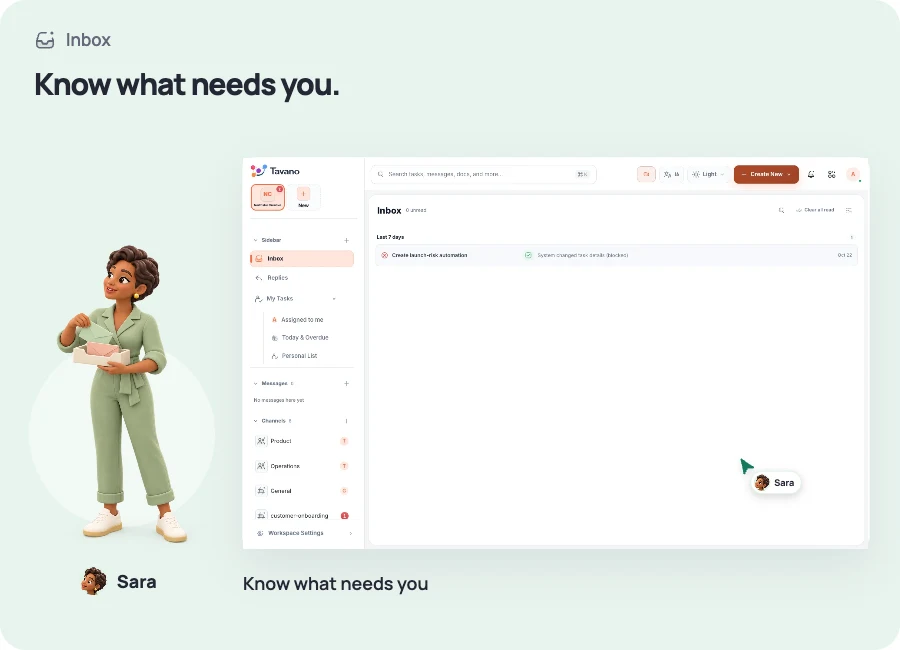
Inbox
Know what needs you next.
Mentions, assignments, reminders, and approvals arrive in one attention center.

WHAT YOU CAN DO
See assignments, mentions and reminders that need your attention.
Open the related task and act on the notification.
Keep notifications organized by workspace.
The same people. The same workspace. A shared way forward.
A CLOSER LOOK
Start with what needs you
See assignments, mentions and reminders that need your attention.
YOUR FIRST STEPS
Start with something real.
- Choose the workspace you want to catch up on.
- Review your assignments, mentions and reminders.
- Open the related task to read the context and take the next step.
BETTER IN THE SAME WORKSPACE
The work continues here.
Keep the next step in the same workspace, with the same team.
YOUR NEXT CHAPTER
Great work starts with a team in sync.
See the workspace in action, find the right plan, and take your next step together.